Halloween Wallpaper: 5 Prompts for Phone & Desktop
Explore five original Halloween wallpaper ideas—cute ghosts, a spooky manor, minimalist moonlight, cozy autumn, and playful desktop art—with ready-to-use AI prompts.
Looking for a Halloween wallpaper that actually fits your screen? Browse the five original examples below, download a preview you like, or use its prompt to make your own. The collection covers the styles people commonly look for: cute, spooky, aesthetic, and minimal, with both phone and desktop layouts.
Jump to a style: cute ghost phone · spooky manor desktop · minimal moon phone · cozy cottagecore phone · cute ghost desktop
Five Halloween wallpaper prompts
Each prompt specifies the subject, mood, screen shape, and the empty space that makes a wallpaper usable. The images are examples of the direction; a new generation will vary.
1. Cute ghost and black cat phone wallpaper
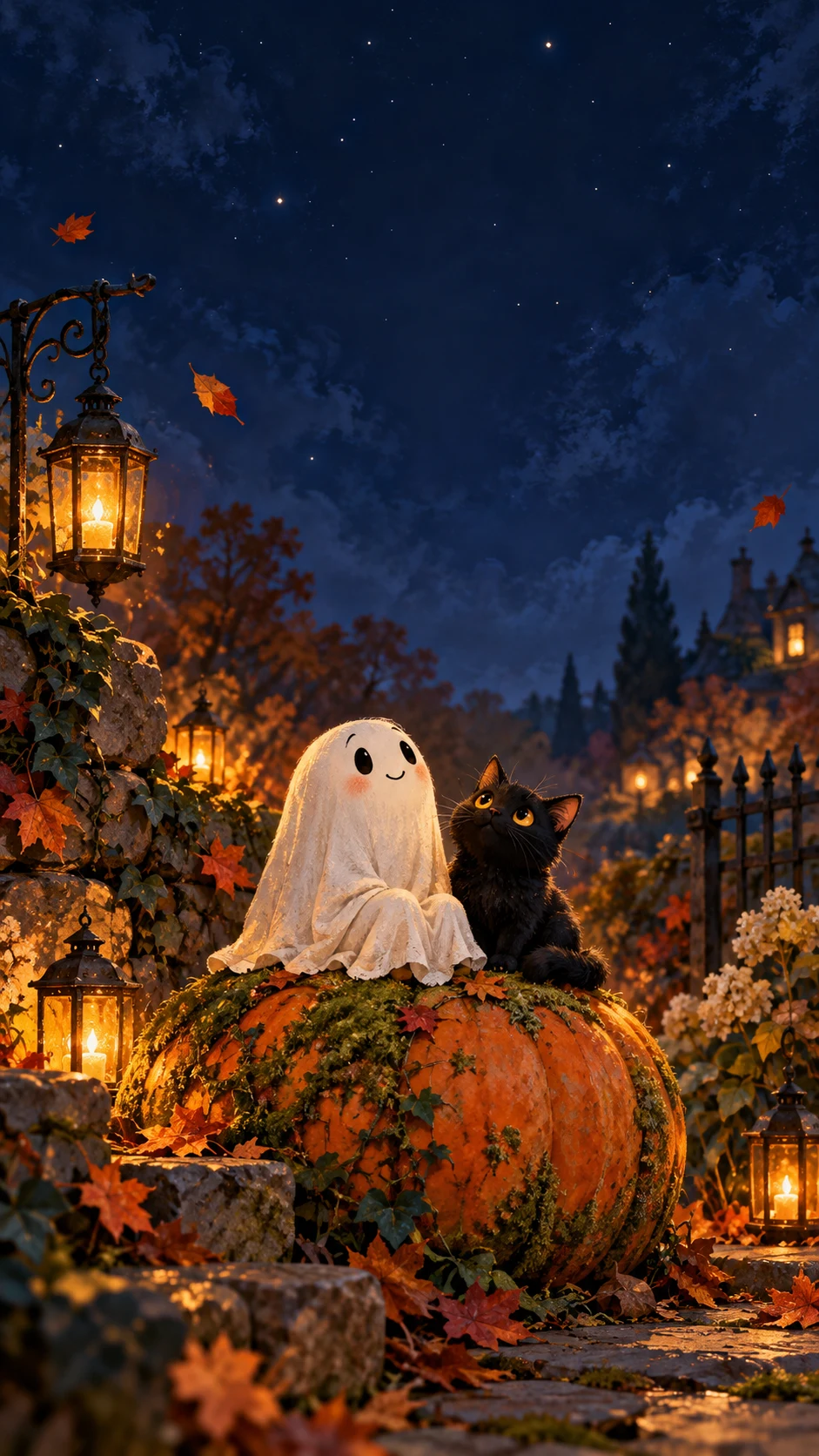
A friendly ghost gives this one a gentle Halloween feel. The open night sky leaves room for a lock-screen clock.
Prompt · Phone · 9:16
A tiny friendly white sheet ghost and a small black cat sitting together on a mossy pumpkin in a quiet autumn garden. Storybook illustration with soft painted texture, warm amber lantern glow against deep indigo twilight and a few falling leaves. Vertical 9:16 phone wallpaper; subjects in the lower middle, broad uncluttered dark sky above for the lock-screen clock. No text, logos, watermark, or phone frame.
2. Spooky haunted manor desktop wallpaper
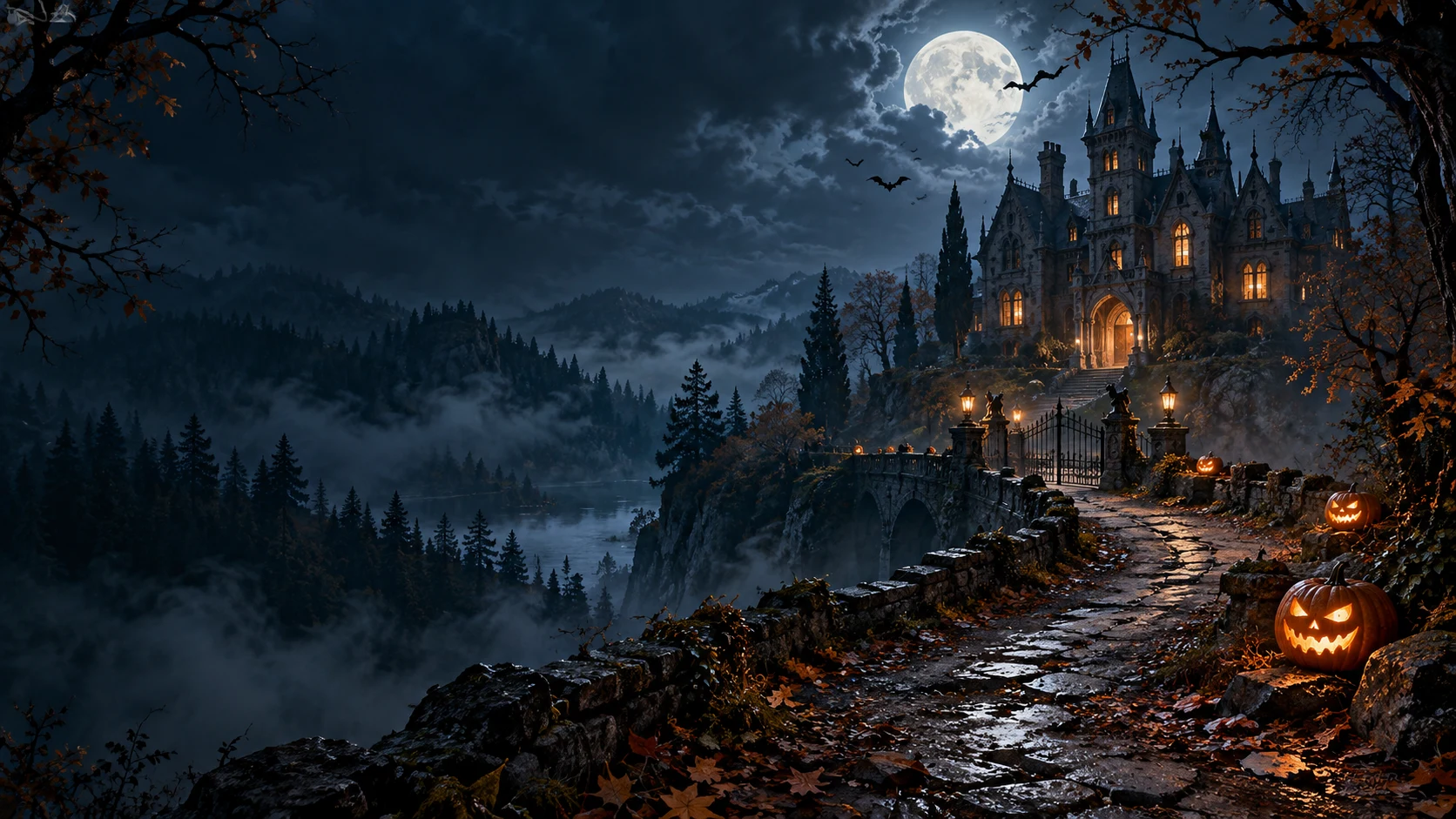
For a darker desktop, place the haunted house to one side and leave the other side quiet enough for icons.
Prompt · Desktop · 16:9
A moonlit haunted manor set back in a misty forest, a winding path with a few softly glowing carved pumpkins and tiny bat silhouettes. Cinematic painterly digital art in blue-black and muted amber. Wide 16:9 desktop wallpaper; manor and pumpkins on the right, generous dark negative space on the left for desktop icons. Atmospheric, eerie but not gory. No text, logos, watermark, or screen frame.
3. Minimal Halloween moon phone wallpaper
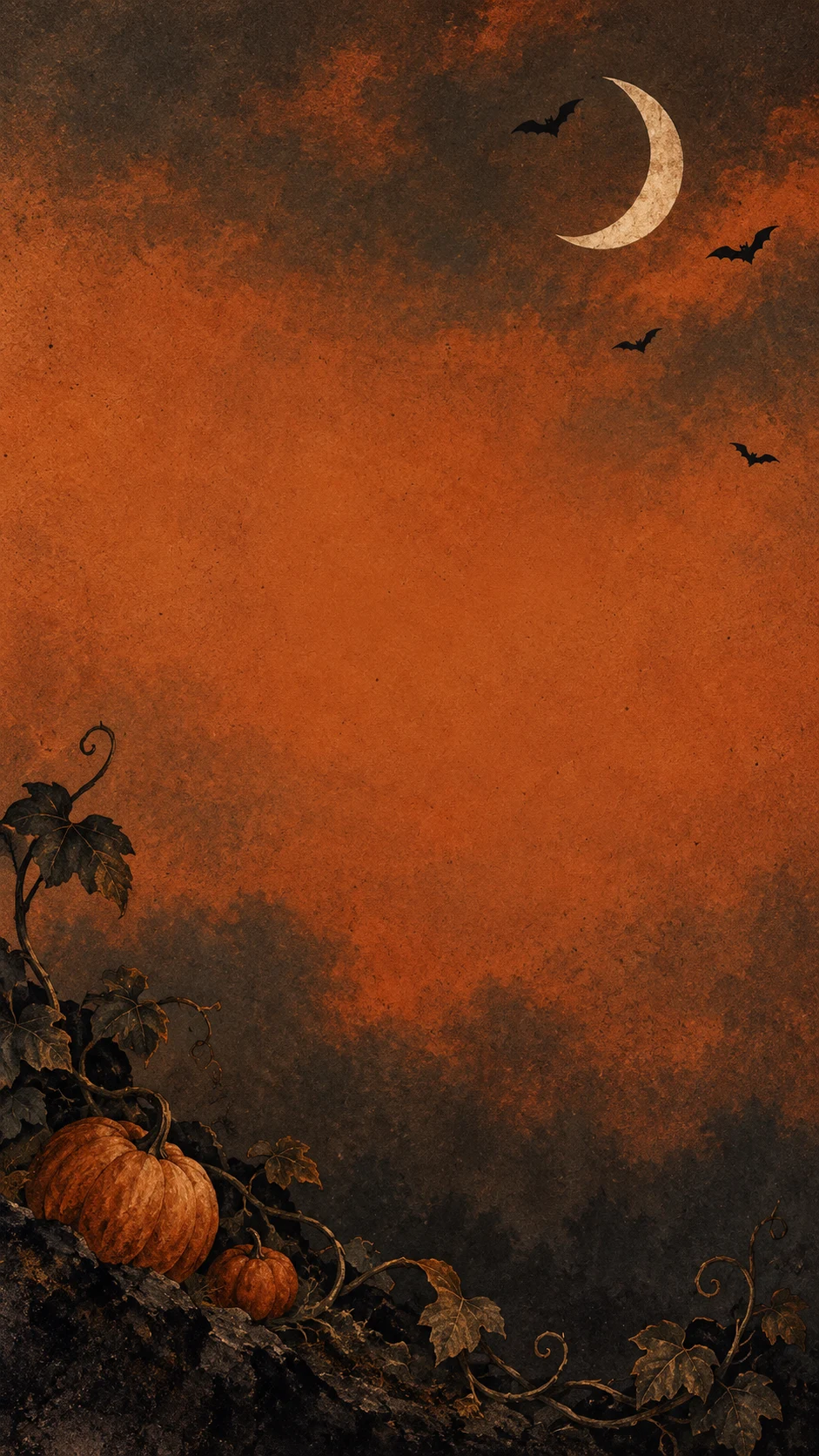
This quieter option brings in Halloween through a crescent moon, bats, and pumpkins without crowding your apps.
Prompt · Phone · 9:16
Minimal Halloween wallpaper with one ivory crescent moon, a few small black bats, and a delicate pumpkin vine on a muted burnt-orange and charcoal paper-textured background. Refined editorial illustration with subtle grain. Vertical 9:16 phone composition; most details at the outer edges and bottom, open center for app icons. No words, numbers, logos, watermark, or phone frame.
4. Cozy cottagecore Halloween phone wallpaper
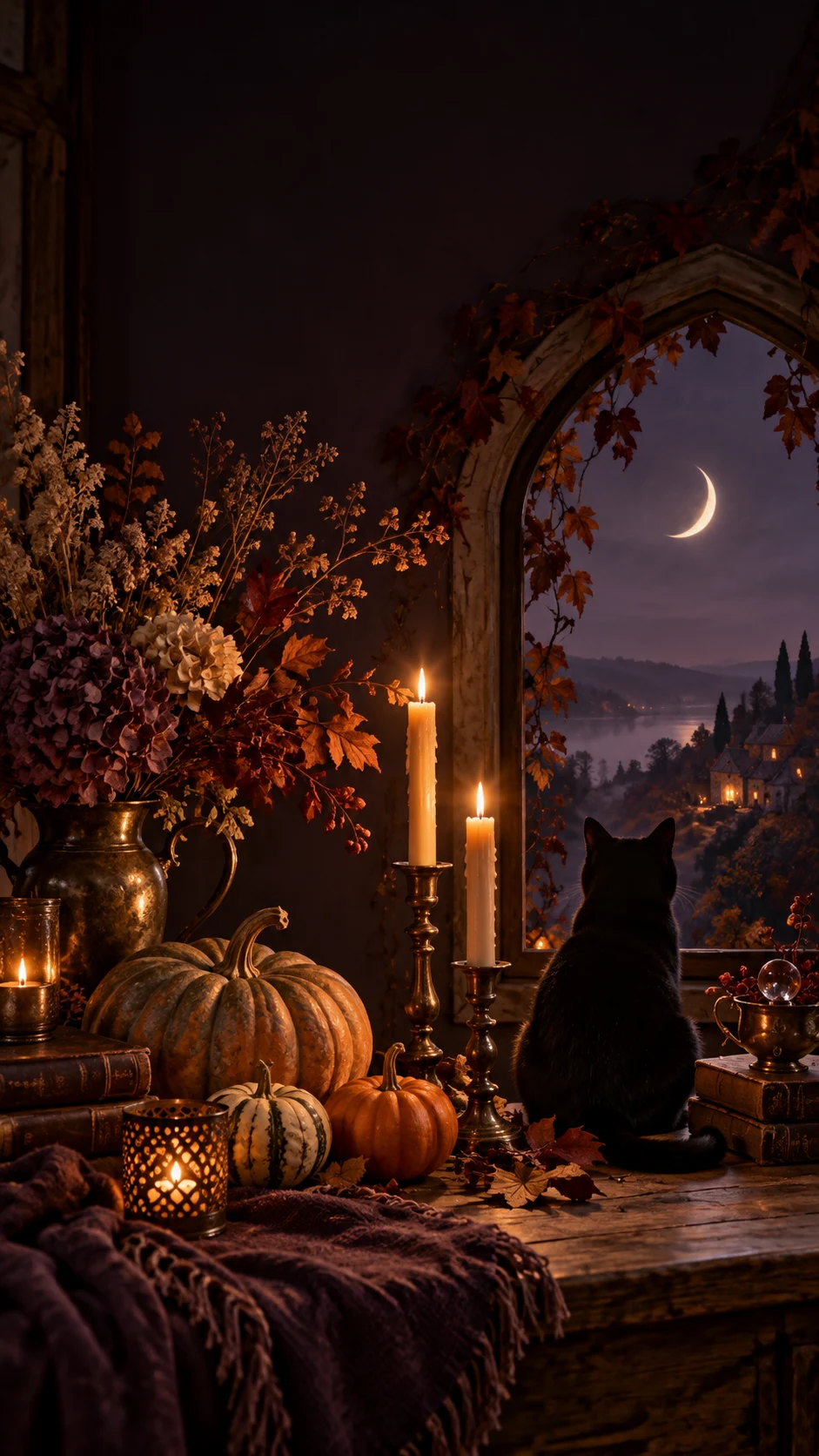
Candles, heirloom pumpkins, and a cat make a warmer alternative to the usual jump-scare imagery.
Prompt · Phone · 9:16
A cozy autumn cottage interior with antique brass candleholders, heirloom pumpkins, dried flowers, and a black cat beside an arched window. A crescent moon is visible outside. Moody photography-inspired digital art, warm candlelight, deep plum shadows, rich amber details. Vertical 9:16 phone wallpaper; scene in the lower half and a dark uncluttered upper area for the clock. No text, logos, watermark, or phone frame.
5. Playful ghost desktop wallpaper
Cute ghosts and candy make a cheerful desktop. The dark center keeps open windows readable.
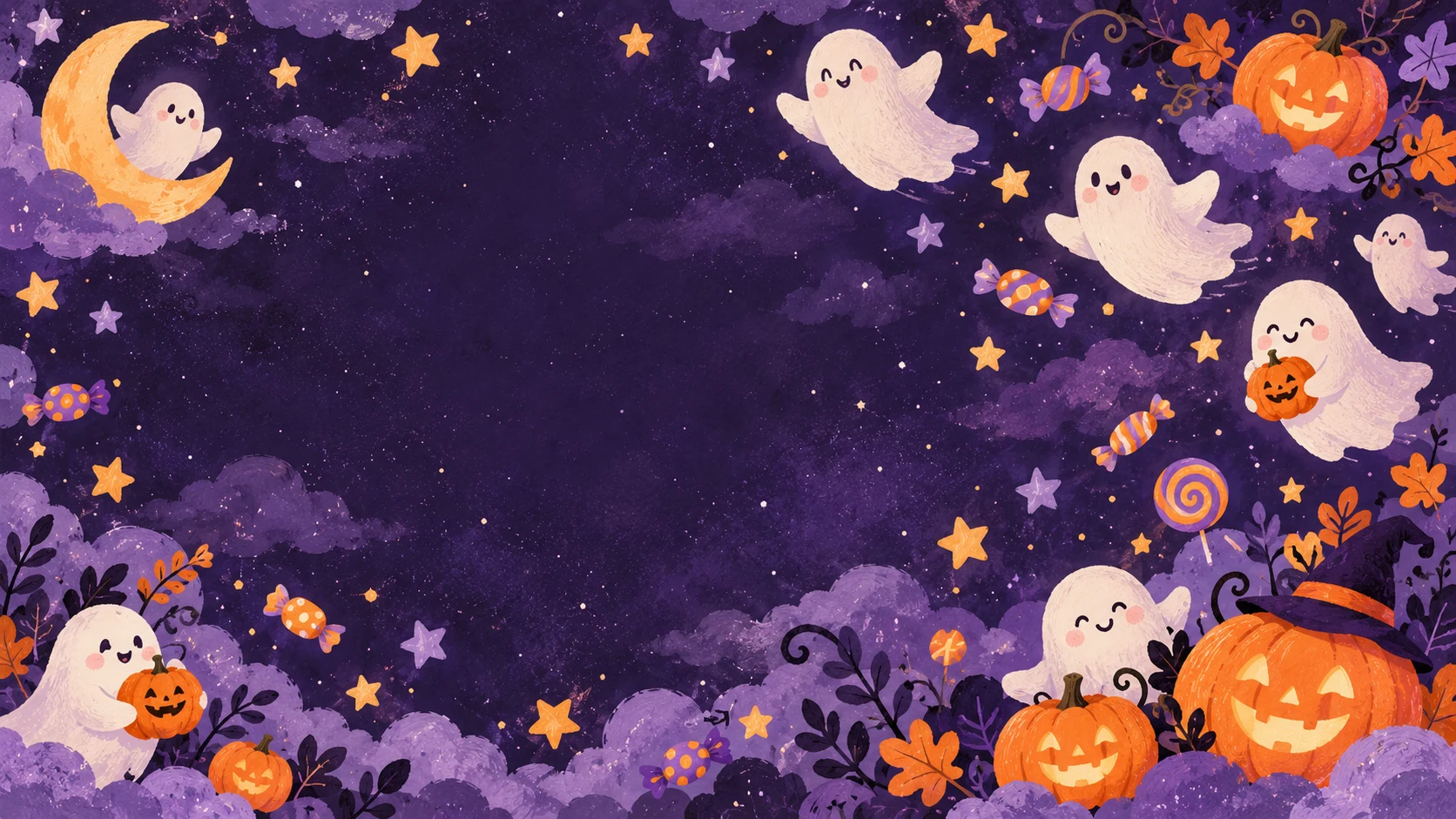
Prompt · Desktop · 16:9
Playful hand-painted Halloween desktop wallpaper with smiling little ghosts, pumpkins, candy shapes, and stars floating around a midnight-purple sky. Flat gouache illustration with a soft grain texture and a limited lavender, cream, and orange palette. Wide 16:9 composition; lively details around the edges, calmer dark space in the center-left for desktop icons. No text, logos, watermark, or monitor frame.
Choose the right wallpaper size
| Screen | Start with | Keep clear |
|---|---|---|
| Phone lock screen | 9:16 portrait | Upper area for the clock and notifications |
| Desktop or laptop | 16:9 landscape | One side for icons and open windows |
| Ultrawide monitor | 21:9 landscape | Extra width near both edges |
These five downloadable previews are 941 × 1672 pixels (phone) or 1672 × 941 pixels (desktop). They are examples, not 4K files. If you need a larger wallpaper, select the matching aspect ratio and a higher resolution in the GPT Image 2.5 Generator, then inspect the finished image before setting it as your background. Different screens crop images differently, so keep faces and important details away from the edges.
Make the wallpaper your own
Start with the closest example and change just one or two details: swap the black cat for a raven, make the orange palette pastel, or ask for a foggier background. Keep the orientation and the clear area for icons or the clock in the prompt. For a desktop or phone with a different shape, switch the aspect ratio in the AI image generator before creating your image.
Can I use a phone wallpaper on a desktop?
You can, but a portrait image will leave large empty areas or need heavy cropping on a wide screen. Recreate it with a 16:9 prompt and aspect ratio instead.
Are these previews 4K Halloween wallpapers?
No. The phone previews are 941 × 1672 pixels and desktop previews are 1672 × 941 pixels. The generator offers higher-resolution settings if you want to make a larger version.