OpenAI's newest image model, released September 8, 2026

GPT Image 2.5 Generator

Turn a prompt into an image with GPT Image 2.5. Choose Flare for fast drafts or Sunburst for detailed work, then set the aspect ratio, resolution, and background before you generate.

Text to image & image to image
1K, 2K, or 4K output
Transparent backgrounds
0 / 20,000

Your first generation is free

Runs on GPT-Image-2.5 Flare and SunburstReleased by OpenAI on September 8, 2026Independent tool, not affiliated with OpenAI

HOW IT WORKS

How to Use GPT Image 2.5 in Three Steps

You don't need an OpenAI API key or any code. Everything happens in the generator at the top of this page, and the whole process takes three steps.

01

Describe your idea

Write what you want to see: the subject, the setting, the style, the light, and any words that should appear in the image. To edit a picture instead, switch to Image to Image, upload a reference image, and describe only what should change. GPT Image 2.5 is built to change the part you name and keep the rest, so short, specific edit instructions work best.
02

Pick a model and set the details

Choose Flare for quick drafts and variations, or Sunburst for detailed final work. Then pick the aspect ratio (Auto or one of 8 presets), the output resolution (1K, 2K, or 4K), and the background (automatic, opaque, or transparent).

03

Generate and download

Preview the result or download it. Your images are saved to your dashboard so you can find them later. Download a copy for your own backup.

What Is GPT Image 2.5 (ChatGPT Image 2.5)?

GPT Image 2.5 is OpenAI's latest image generation model, released on September 8, 2026. Inside ChatGPT it appears as ChatGPT Images 2.5, which is why “ChatGPT Image 2.5” and “GPT Image 2.5” point to the same model family. OpenAI rolled it out to ChatGPT, ChatGPT Work, and Codex across all tiers, and released it to developers as two API models: GPT-Image-2.5 Flare and GPT-Image-2.5 Sunburst.

There is no single model called “gpt-image-2.5”. The API model IDs are gpt-image-2.5-flare and gpt-image-2.5-sunburst, and both are also listed in Microsoft Foundry. This generator gives you both models in one place, with no code. OpenAI describes the release as bringing sharper details, more precise editing, and faster generation.

MODEL GUIDE

GPT Image 2.5 Flare vs Sunburst

Flare makes it easy to explore quickly. Sunburst gives demanding visuals more attention to detail. Both work with the same controls in this generator, so you can switch models without rewriting your prompt.

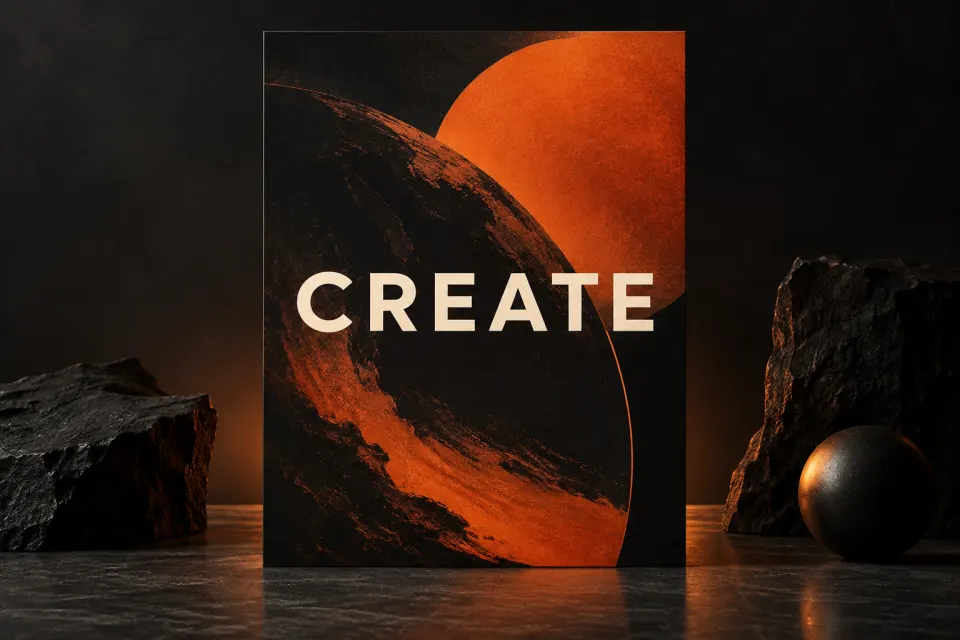
Abstract editorial artwork representing Flare

GPT Image 2.5 Flare

Flare is the small model, optimized for speed. It is the right choice for drafts, variations, and quick iterations when you want to see many ideas fast.

Selected
Best for
Drafts and quick iterations
Quality vs GPT Image 2
Comparable
Speed
Faster
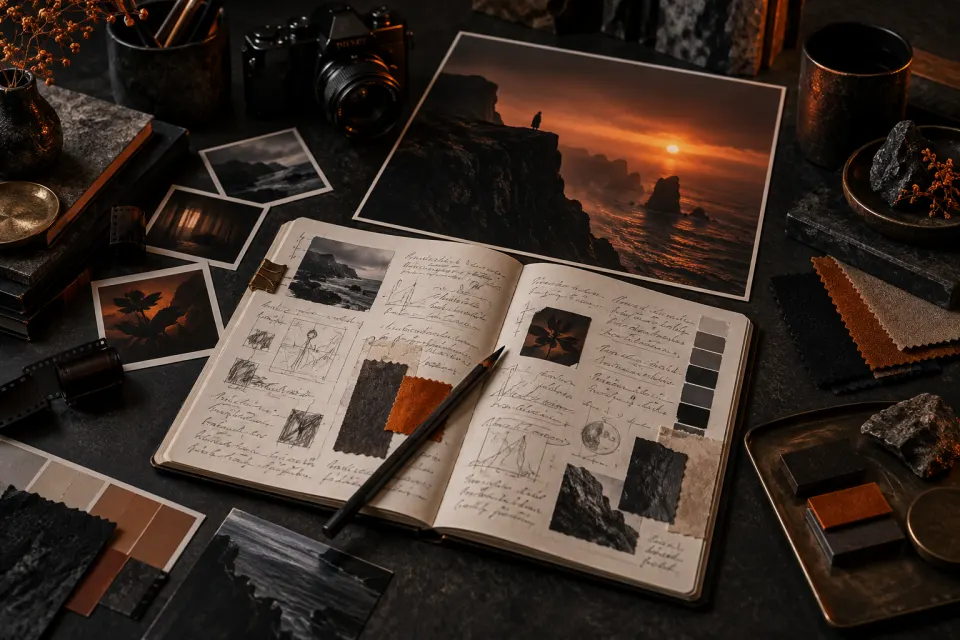
Abstract editorial artwork representing Sunburst

GPT Image 2.5 Sunburst

Sunburst is the base model, optimized for quality. It takes longer to generate but holds intricate detail better, which makes it the pick for final assets, dense layouts, and edits where small elements need to survive.

Best for
Detailed creative work
Quality vs GPT Image 2
Higher
Speed
Longer wait

What stays the same

Both models support improved editing and subject preservation. In this generator, both offer 8 aspect ratios plus Auto, 1K / 2K / 4K output, and three background modes. Their published API rate is also the same: $30 per 1M image output tokens. Actual cost per image and wait time depend on your settings and token use.

Why sources disagree on Flare's quality

OpenAI's launch post says Flare delivers higher quality than GPT Image 2 at 50% lower latency, while OpenAI's developer guide describes Flare's quality as comparable to GPT Image 2. We show the more conservative figure above, so you can pick a model based on what you will actually see.

Model facts: OpenAI prompting guide · OpenAI image API guide

WHAT'S NEW

GPT Image 2.5 vs GPT Image 2

GPT Image 2.5 is the next step after GPT Image 2. Here is what changed, based on OpenAI's launch notes and developer documentation.

GPT Image 2GPT Image 2.5
ReleasedApril 2026September 8, 2026
API modelsgpt-image-2gpt-image-2.5-flare and gpt-image-2.5-sunburst
SpeedBaselineUp to 50% lower latency
Image qualityBaselineFlare: comparable · Sunburst: higher
Targeted editsSupportedBetter at changing only what you name
Consistency across editsSupportedSteadier details over multiple rounds

Up to 50% faster generation

OpenAI reports up to 50% lower latency than Images 2.0, so you can try more directions in one session.

Edits that change only what you ask

Change a product, a background, or a line of copy without rebuilding the whole image.

Consistent details across multiple edits

Key details hold steadier over several rounds of edits, so a series of revisions still looks like one piece of work.

Complex layouts and transparent backgrounds

The model handles more complex layouts, follows a requested style more closely, gets real-world details right more often, and supports transparent backgrounds.

FEATURES

GPT Image 2.5 Generator Features

Creation controls, made clear. Every setting maps to a documented GPT Image 2.5 option, so this AI GPT image generator sends the model exactly what you choose.

Up to 4K resolution

Export at 1K, 2K, or 4K. GPT Image 2.5 supports up to 3,840 pixels on the long edge, which is enough for print layouts and large screens.

8 aspect ratios plus Auto

Pick a square, portrait, or widescreen preset, or let Auto decide. Choose from 1:1, 3:2, 2:3, 16:9, 9:16, 4:3, 3:4, 21:9.

Transparent background control

Choose transparent, opaque, or automatic backgrounds. Transparent output is ideal for product cutouts, stickers, and logos you will place on your own designs.

Image-to-image editing

Upload a reference image and describe the change. Use it to swap a background, restyle a photo, or update a product while keeping the rest of the picture intact. Add up to 16 reference images.

Readable text in images

Posters, labels, signs, and interface mockups need words that read correctly. Put the exact wording in quotation marks in your prompt, and use Sunburst with a higher resolution when the layout has small print.

Long prompts up to 20,000 characters

Write a full creative brief instead of a handful of keywords. Detailed prompts help GPT Image 2.5 keep composition, style, and small details on target.

USE CASES

What You Can Make with GPT Image 2.5

A starting point for visual work across product, editorial, and campaign projects.

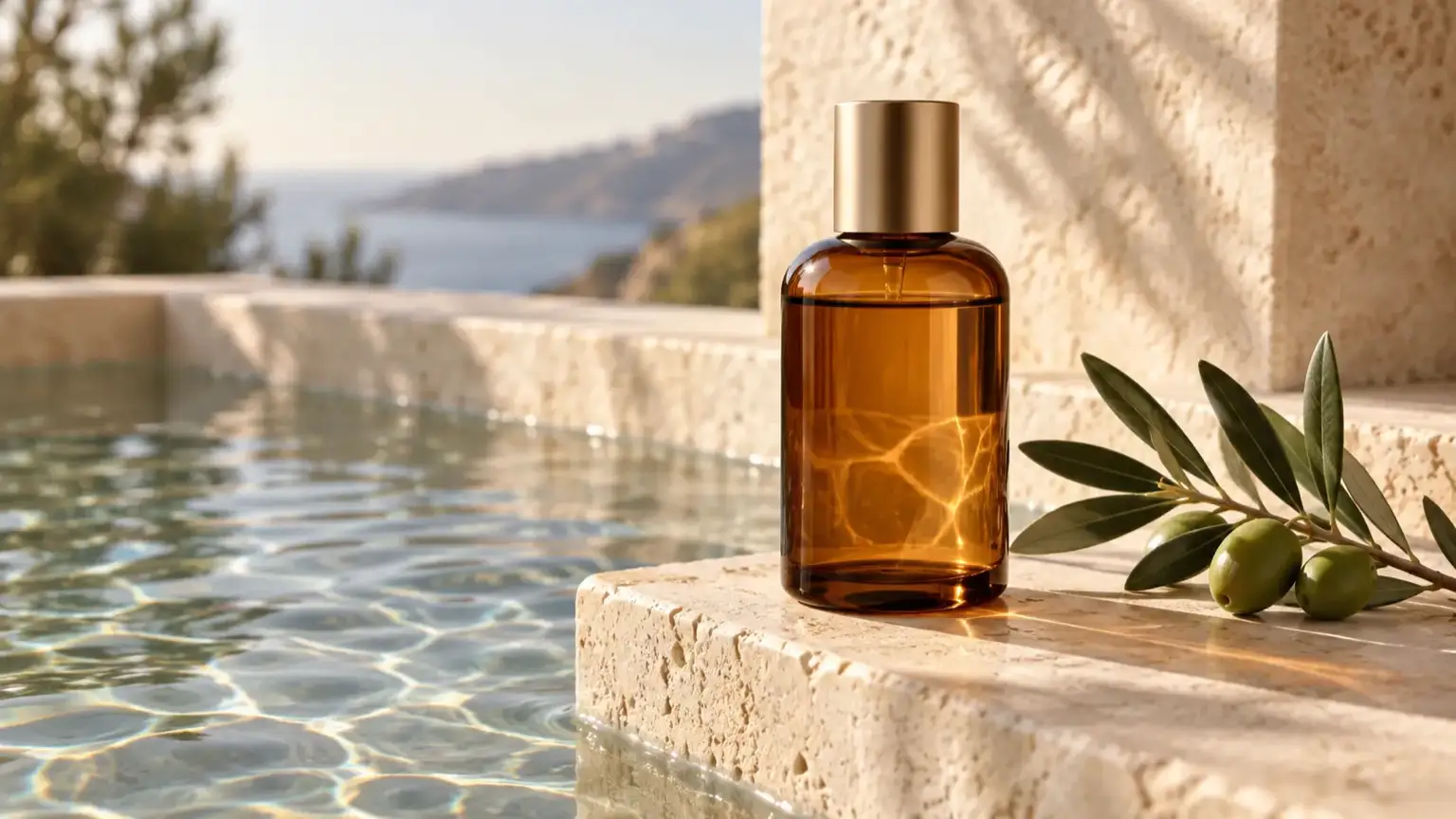
Amber skincare bottle on a limestone pedestal beside a shallow pool – GPT Image 2.5 example, 16:9

Product imagery

Place a product in a clean studio scene, then change the label or background while the lighting stays the same.

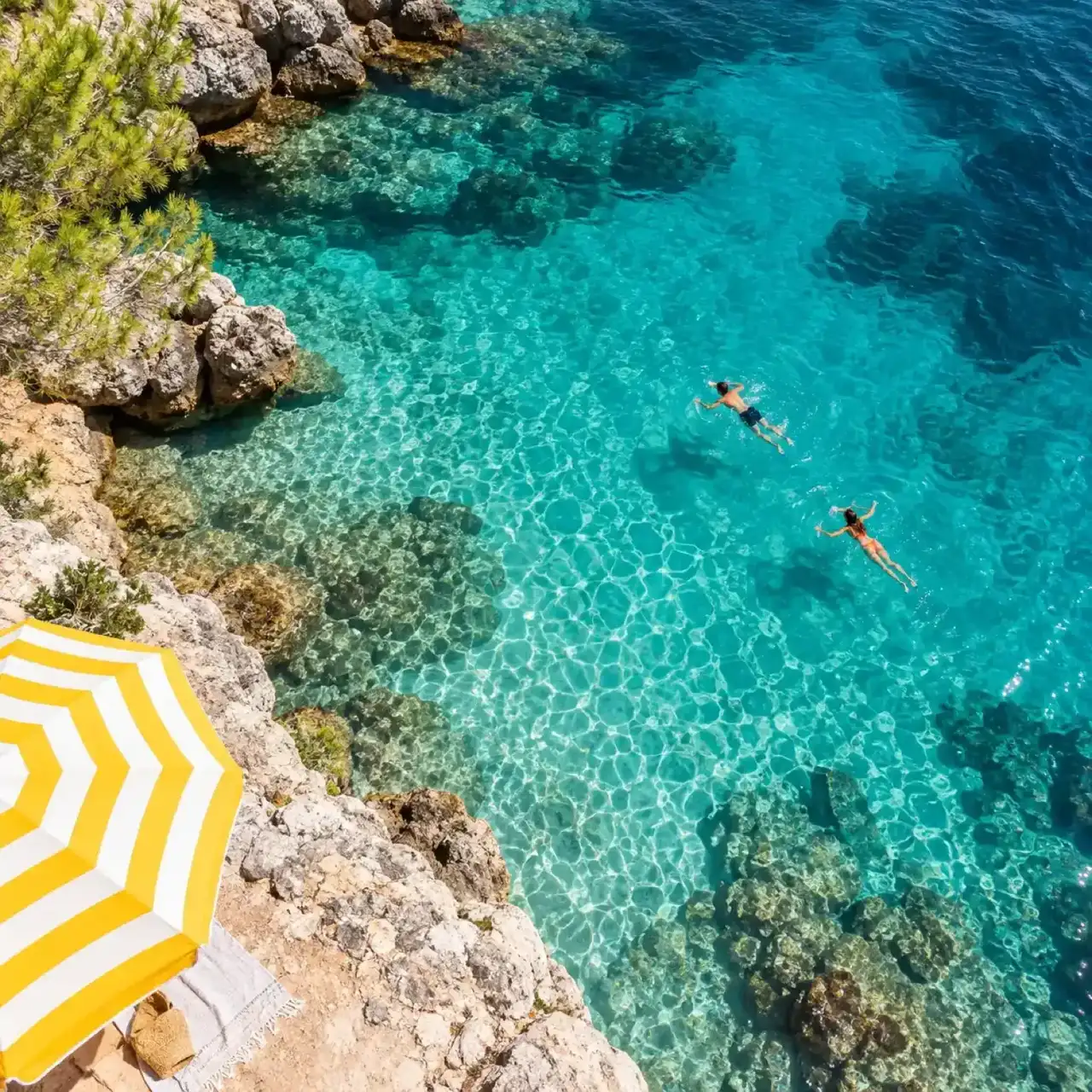
Turquoise swimming cove with a striped parasol viewed from above – GPT Image 2.5 example, 1:1

Social content

Make post graphics and carousel sets in the exact aspect ratio each platform needs, from square feeds to vertical stories.

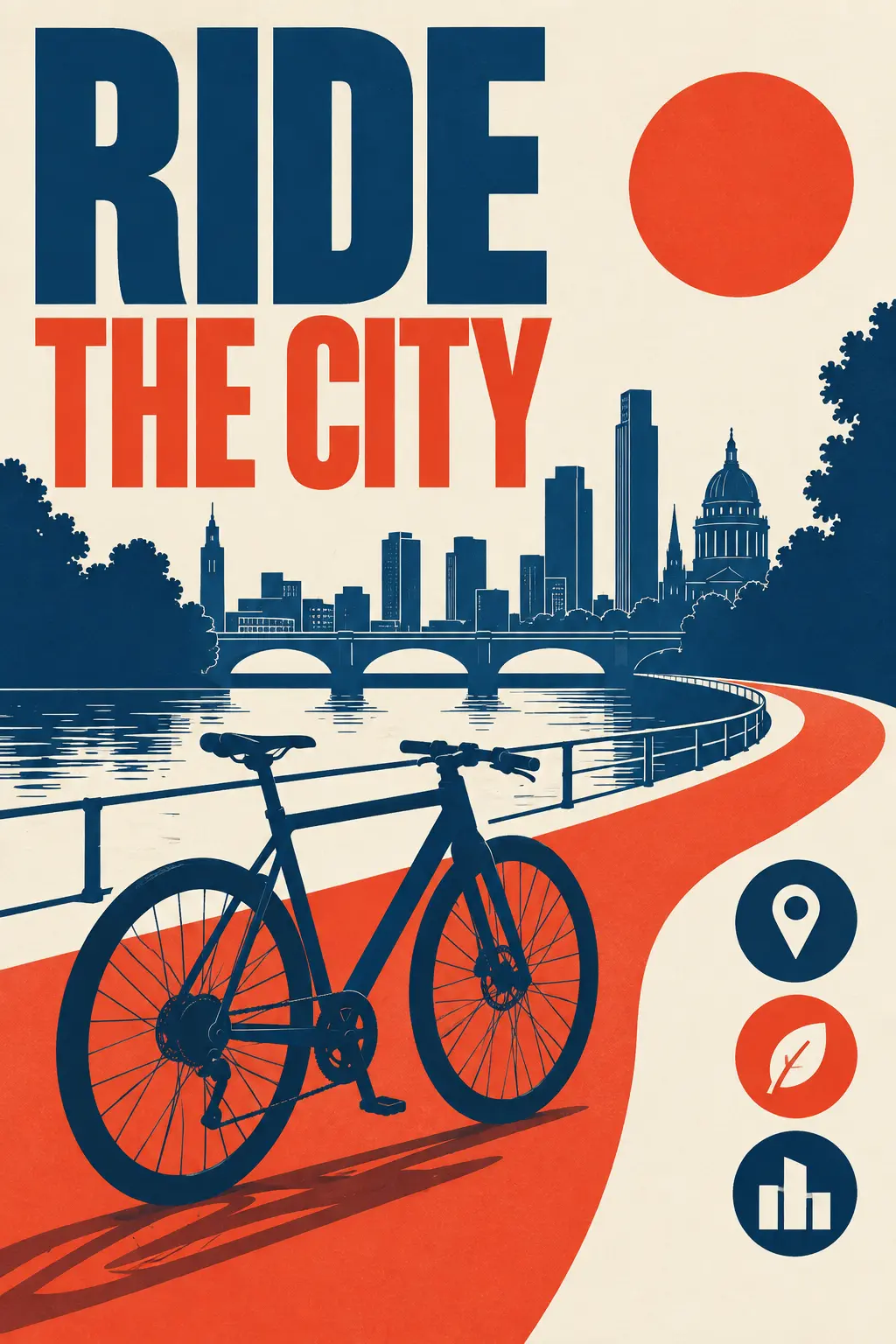
Urban cycling poster with a bicycle silhouette and route diagram – GPT Image 2.5 example, 2:3

Posters and infographics

Build text-led layouts where the headline and the small print both need to be legible, then check every label before you publish.

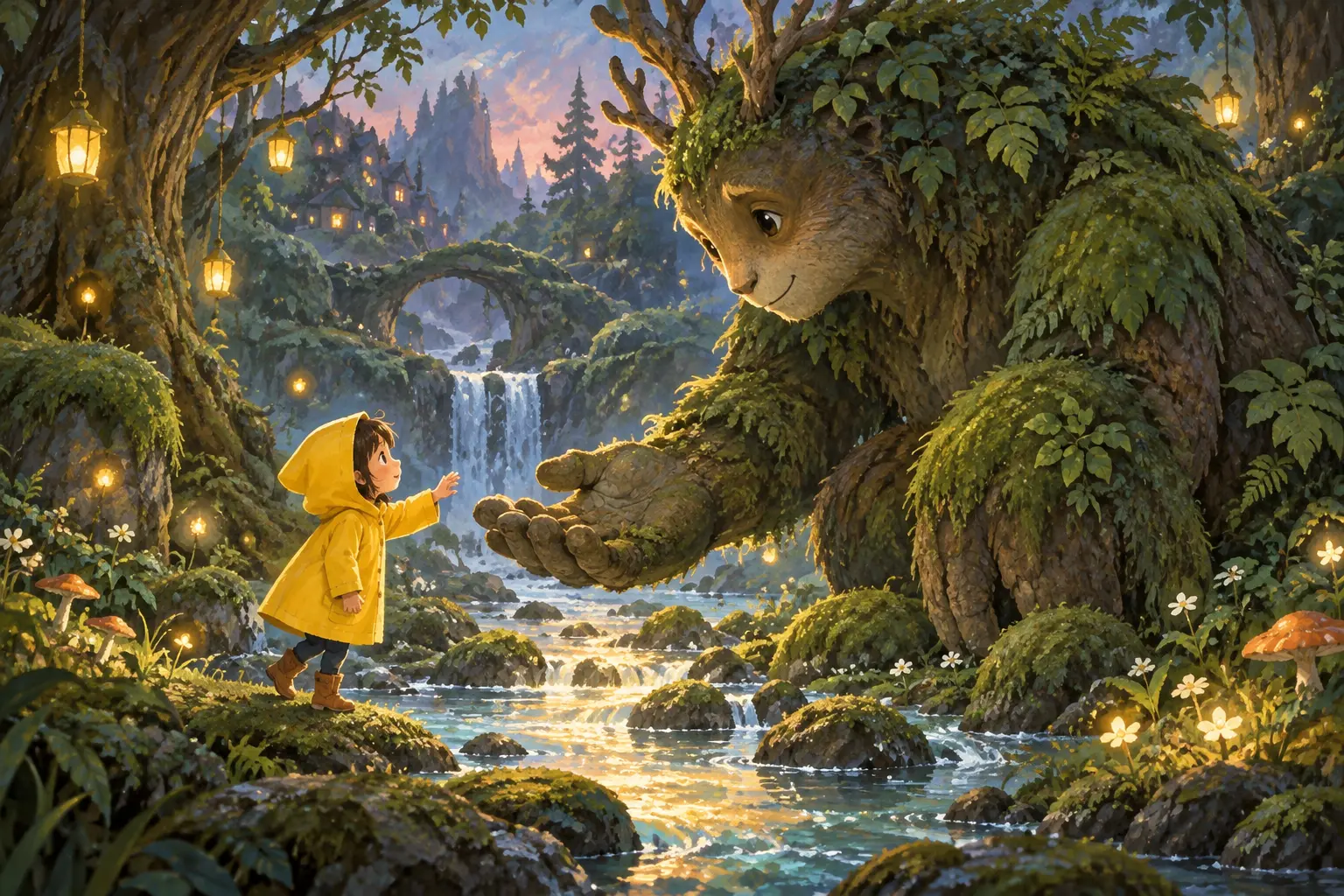
Child in a yellow raincoat meeting a gentle forest creature – GPT Image 2.5 example, 3:2

Illustration

Explore visual narratives for articles and stories in a consistent style.

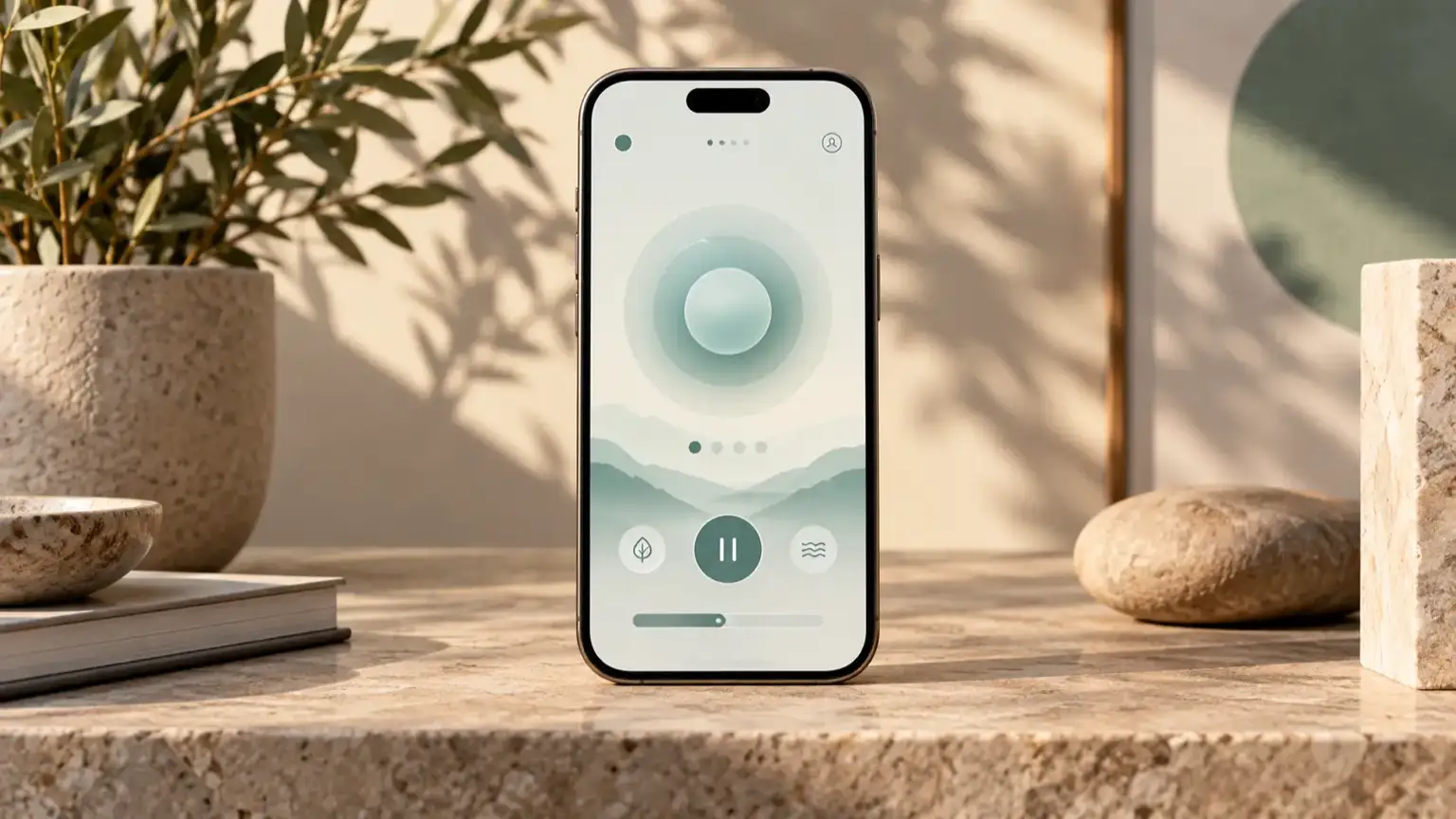
Wellness app concept on a smartphone standing on a stone desk – GPT Image 2.5 example, 16:9

Mockups and UI concepts

Place an idea into a believable presentation scene, or sketch interface concepts that keep a clear visual hierarchy.

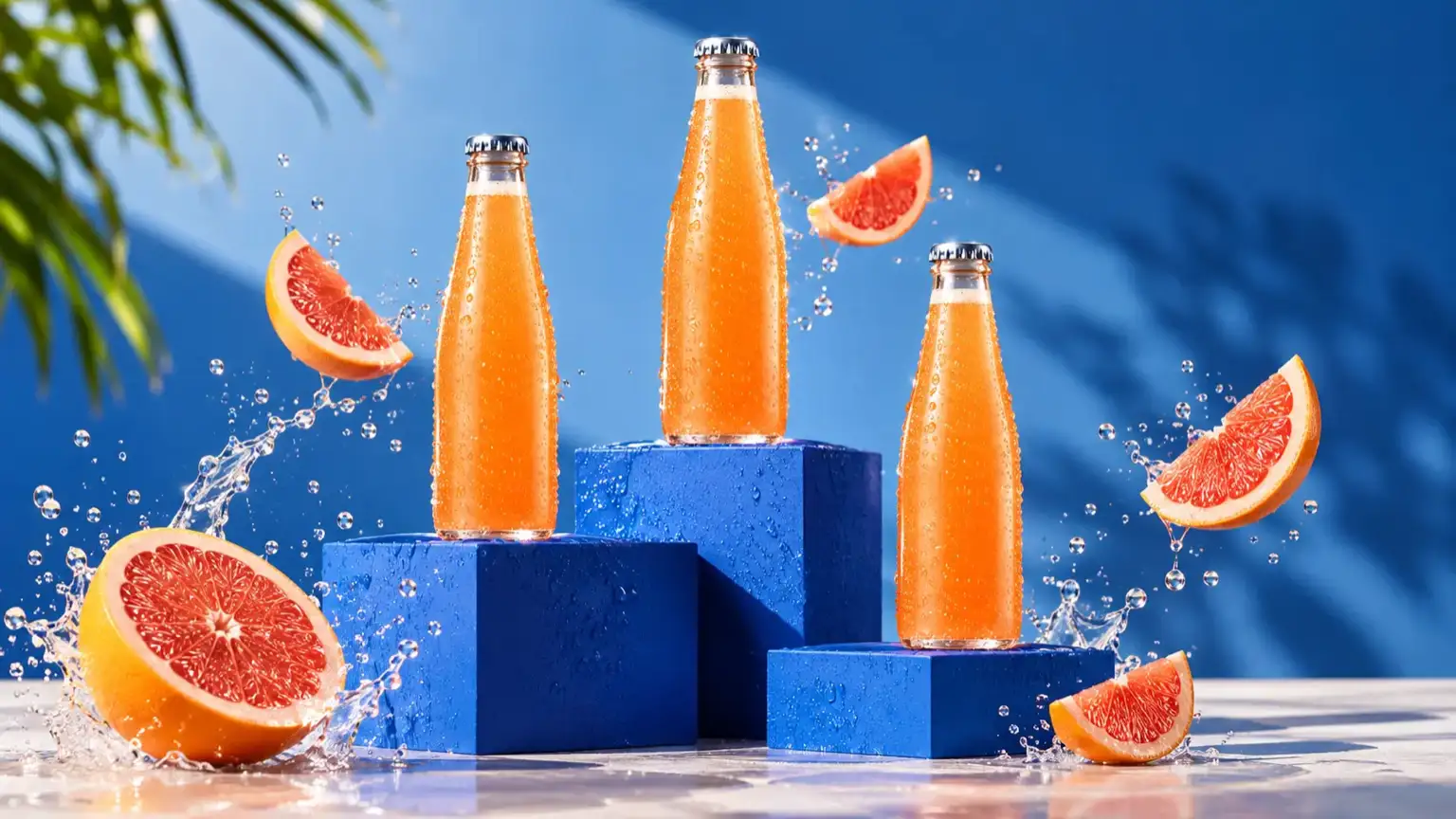
Three citrus drink bottles with grapefruit slices on cobalt blocks – GPT Image 2.5 example, 16:9

Marketing visuals

Create a series of on-brand campaign assets that share the same visual direction instead of drifting from image to image.

WHY CREATE HERE

A Smoother Path from Idea to Image with GPT Image 2.5

Create, explore, and keep your GPT Image 2.5 images in one place, with a workflow built around your ideas.

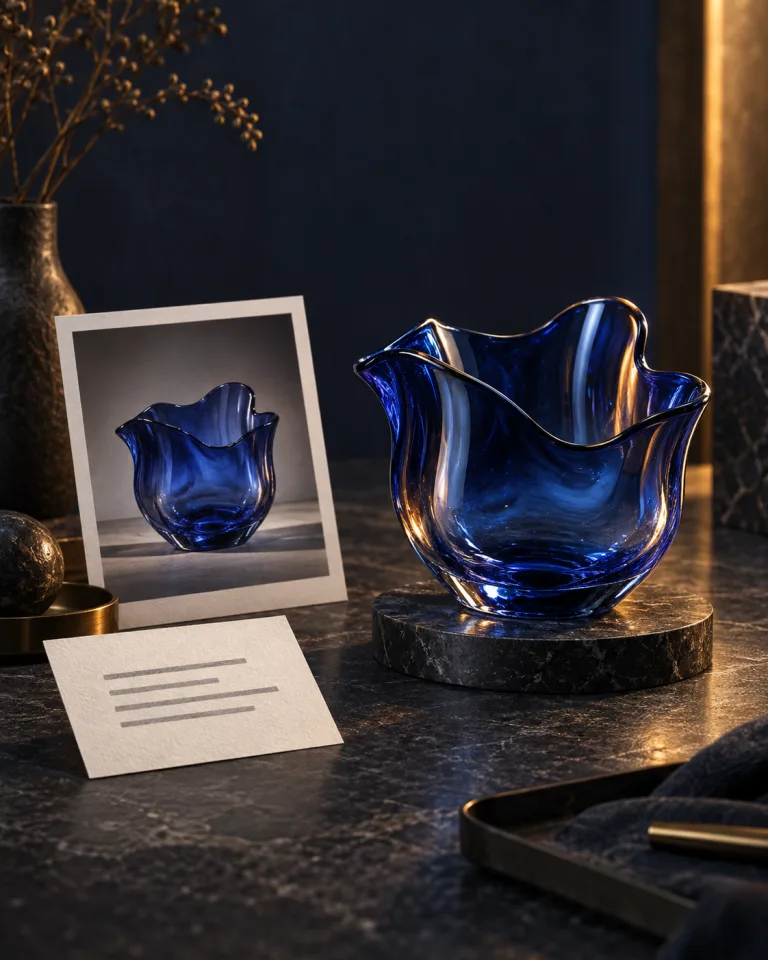
Reference photo and note beside a finished blue glass sculpture

01 / 04

Create your way

Start with a written prompt, or add a reference image when you want to build on something you already have. Both ways to create live in the same generator, so you can switch between text to image and image to image without leaving the page. You can explore either approach while keeping your creative direction in view.

Create with GPT Image 2.5

PLANS & CREDITS

Choose how you create

Start with one free image. Choose a monthly credit plan or buy credits when you need them.

Subscription billing period

The same credits each month. Yearly plans are billed upfront.

Free

Try the generator on your own terms.

$0

One free generation per account, for life.

1 free generation

  • Choose Flare or Sunburst
  • Download your image
  • Failed generations do not use your free try

Starter

For occasional image projects.

$19.90/month

$238.80 billed yearly
Save $96 vs monthly billing

720 credits / month

Up to 360 low-quality images without references

About 36 credits per $1

  • Monthly credits expire at the end of each credit period
  • Use either image model at any quality setting
  • Failed generations cost no credits
Most popular

Pro

More room for regular creative work.

$29.90/month

$358.80 billed yearly
Save $156 vs monthly billing

2,400 credits / month

Up to 1,200 low-quality images without references

About 80 credits per $1

  • Monthly credits expire at the end of each credit period
  • Use either image model at any quality setting
  • Failed generations cost no credits

Studio

For a higher volume of images.

$79.90/month

$958.80 billed yearly
Save $420 vs monthly billing

7,200 credits / month

Up to 3,600 low-quality images without references

About 90 credits per $1

  • Monthly credits expire at the end of each credit period
  • Use either image model at any quality setting
  • Failed generations cost no credits

ONE-TIME CREDITS

Need credits without a subscription?

Buy a pack once and use it over 12 months. Packs work on every plan, including Free.

Small pack

A little extra for your next idea.

$9.90one time

210 credits

Up to 105 low-quality images without references

About 21 credits per $1

  • Credits valid for 12 months
  • Use with or without a subscription
  • Failed generations cost no credits

Medium pack

More credits for a growing project.

$29.90one time

800 credits

Up to 400 low-quality images without references

About 27 credits per $1

  • Credits valid for 12 months
  • Use with or without a subscription
  • Failed generations cost no credits

Large pack

A larger reserve for ongoing work.

$79.90one time

2,400 credits

Up to 1,200 low-quality images without references

About 30 credits per $1

  • Credits valid for 12 months
  • Use with or without a subscription
  • Failed generations cost no credits

Low, medium, and high quality cost 2, 4, and 16 credits per image. Each reference image adds 2 credits.

Prices shown include tax.

FAQS

GPT Image 2.5 FAQ

Ready to Try GPT Image 2.5?

Write one clear sentence, pick Flare or Sunburst, and see your first image in moments.

Create with GPT Image 2.5